Can't select any shader
When launching the application and selecting an input source, the preview window correctly displays my screen. However, I am unable to select or apply any shaders.
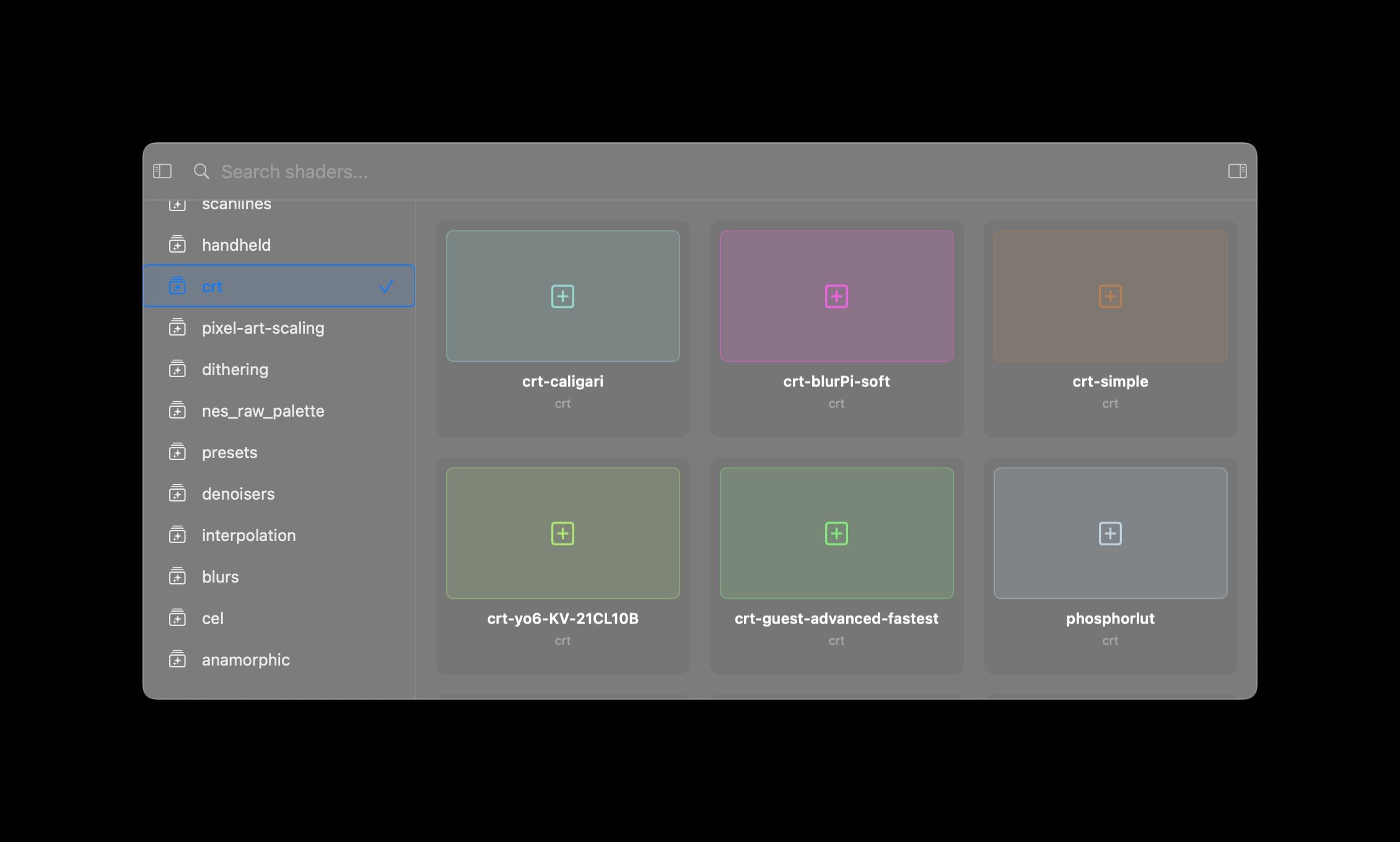
Clicking on any shader in the shaders menu briefly flashes a "compiling shaders" window for a split second, then nothing happens. No shaders can be selected or applied.
Sequoia 15.4.1
Log in to comment and vote
Comments4
Andrew Sampson
May 17, 2025
Hey there, first can you confirm which model MacBook you’re using?
Second, can you also confirm you have an active session? To use a preset, you must be actively streaming from an input source such as glass mode on a display or a window clone.
inspektorpidozra
May 17, 2025
So yeah, indeed a problem occurred because I didn’t choose an input source first, and a shader later. Thank you!
So is it expected behavior, that after I choose an input source, the main screen vanishes and I cannot open a shader popup afterward?
Because apparently, I need to open a popup with shaders and only after that pick an input source, which is kind of unintuitive for me.
Just in case
MBP M3 Pro
Andrew Sampson
May 17, 2025
It’s possible to open the shader menu again with the keyboard shortcut (found in your settings), but i’ll be the first the UX is a bit wonky and I’m currently working on a redesign. In the meantime the next update will add a menu bar with quick actions.
jee75
Jan 7
Why did you abandon this app?